
DetailOAR Field Manual · Pricing policies
Configure Taxes, Discounts, Deposits, and Cancellation Rules
Set invoice defaults and customer policies without pretending jurisdiction-specific tax or enforceability questions have one universal answer.
Save or use this guide
 View full size
Contents
Start
Know the outcome.
Verify legal and tax requirements first
Taxes, deposits, cancellation fees, refund rights, and digital acknowledgments all vary by jurisdiction and transaction. Confirm the business’s real obligations with the relevant revenue authority and a qualified local professional. The software records the policy you configure — it can’t decide whether that policy is lawful or collectible.
Steps
Do the work in order.
-
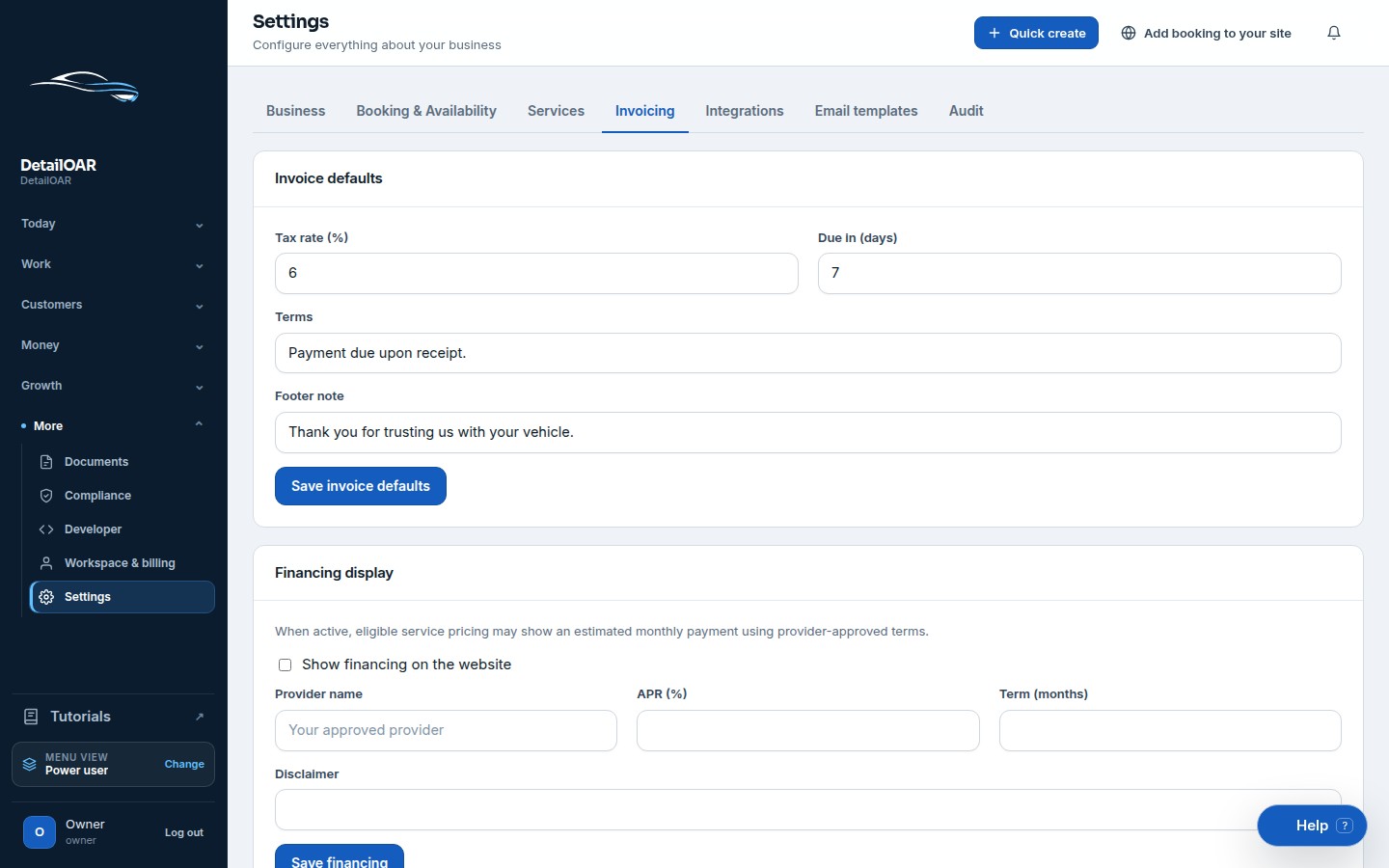
Step 1 Configure invoice defaults
Open Settings and choose Invoicing.
Enter the verified Default tax rate. Use zero only when zero is actually correct — not as a temporary guess on production invoices.
Set the due-date rule and any invoice notes customers need to understand payment timing.
Choose Save invoice defaults, build a draft invoice with taxable and non-taxable lines, and recalculate the expected total by hand.
Check rounding lands on cents and the displayed currency matches Business Profile.
-
Step 2 Use discounts clearly
Decide whether staff can apply a fixed-dollar or percentage discount on the current estimate/invoice.
Note the business reason internally whenever policy asks for one.
Check which lines stay taxable before and after the discount under local rules.
Preview the customer document. Subtotal, discount, tax, deposit/payment, and remaining balance should each be easy to tell apart.
-
Step 3 Set deposits by service
Open Services and Edit the service.
Enter the Deposit amount it takes to hold that work. Multi-day or material-heavy jobs may deserve a different rule than routine details.
Save, then test an estimate approval and an online booking. The deposit disclosure has to appear before the customer commits.
Write down what happens if scope, date, weather, or a customer cancellation changes things. Put the approved wording in customer policies and the relevant templates.
-
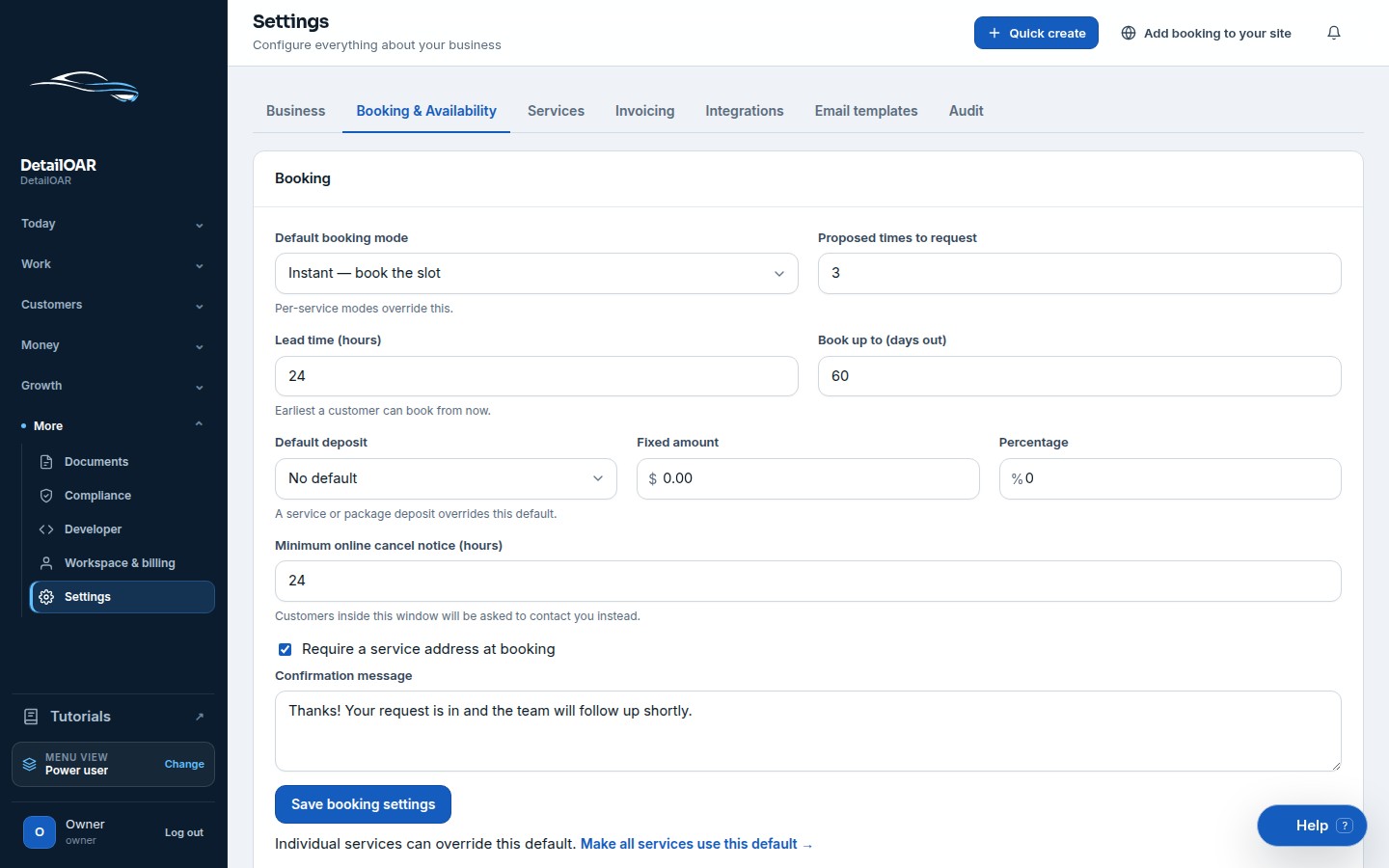
Step 4 Set booking and cancellation rules
Open Booking settings.
 View full size
Enter Minimum cancellation notice hours and the customer-facing policy summary.
Add weather and mobile-access instructions wherever those decide if work can go ahead.
Use the public manage link to test one cancellation inside the notice window and one outside it.
Make sure a blocked self-service action offers a real contact path, not a dead button.
Reference
Use the detail when you need it.
What good looks like
- Tax and discount math matches an independent calculation.
- The deposit is disclosed before approval or booking.
- Policy wording lines up with the configuration and the business’s reviewed terms.
- Customers can see the remaining balance.
- Staff know who can override or refund a charge.
Troubleshooting
- Tax looks wrong: check each line’s Taxable state and the saved default rate.
- Deposit missing: confirm the service actually carries a deposit and the estimate/job uses that service.
- Customer can cancel too late: recheck Minimum cancellation notice hours and the appointment timestamp/time zone.
- Policy changed: update settings, templates, website copy, and staff procedure together — terms customers already accepted may still govern older jobs.
Finish
Check the result and close the loop.
Final checklist
- Tax basis verified locally.
- Tax/discount math tested.
- Deposit tested before commitment.
- Cancellation window tested both ways.
- Weather/damage/refund wording reviewed.
- Override permissions documented.
More
Continue only where it helps.
Learning paths with this guide
Set Up DetailOAR8 guidesFrequently asked questions
Does DetailOAR determine what is taxable?
No. You configure line and rate behavior yourself, after verifying the business’s jurisdiction-specific obligations.
Can a deposit be recorded outside Stripe?
Yes. Authorized staff can record an external payment and keep the amount, method, reference, and audit history intact.
Does a configured cancellation fee guarantee collection?
No. Enforceability and consumer rights vary — get the policy reviewed and apply it consistently.
Sources and review
Reviewed by DetailOAR Product Team on July 15, 2026. Verify current labels, interfaces, prices, and local requirements before acting.
Related field guides
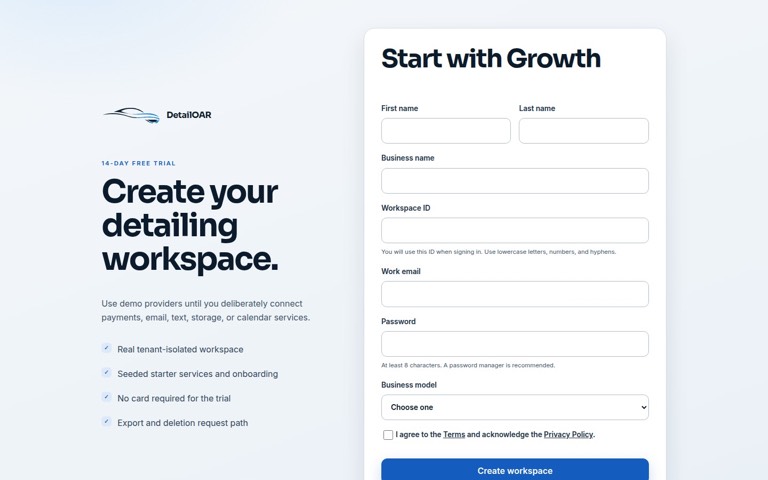 Software helpCreate Your Account and Business WorkspaceSpin up a tenant-isolated workspace, pick the right plan and business model, sign in, and confirm the owner session before any customer data goes in.
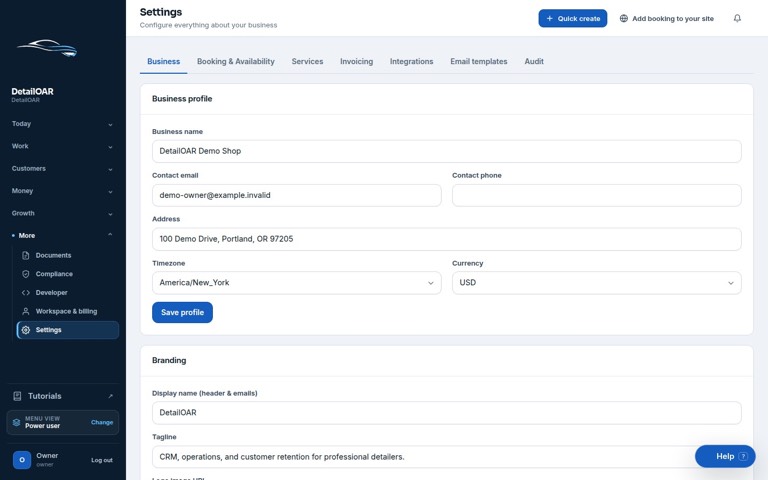 Software helpAdd Your Logo, Contact Details, Hours, and Service AreaFill in the public business profile and branding, then set weekly availability, exceptions, arrival rules, and your mobile service boundaries.
 Software helpImport Existing Customers and Vehicle RecordsPrep, preview, dedupe, import, verify, and export customer and vehicle data — without any of it landing in the wrong workspace.