
Estimates, deposits, and invoices
Go from scope to approval to a paid balance without retyping the job.
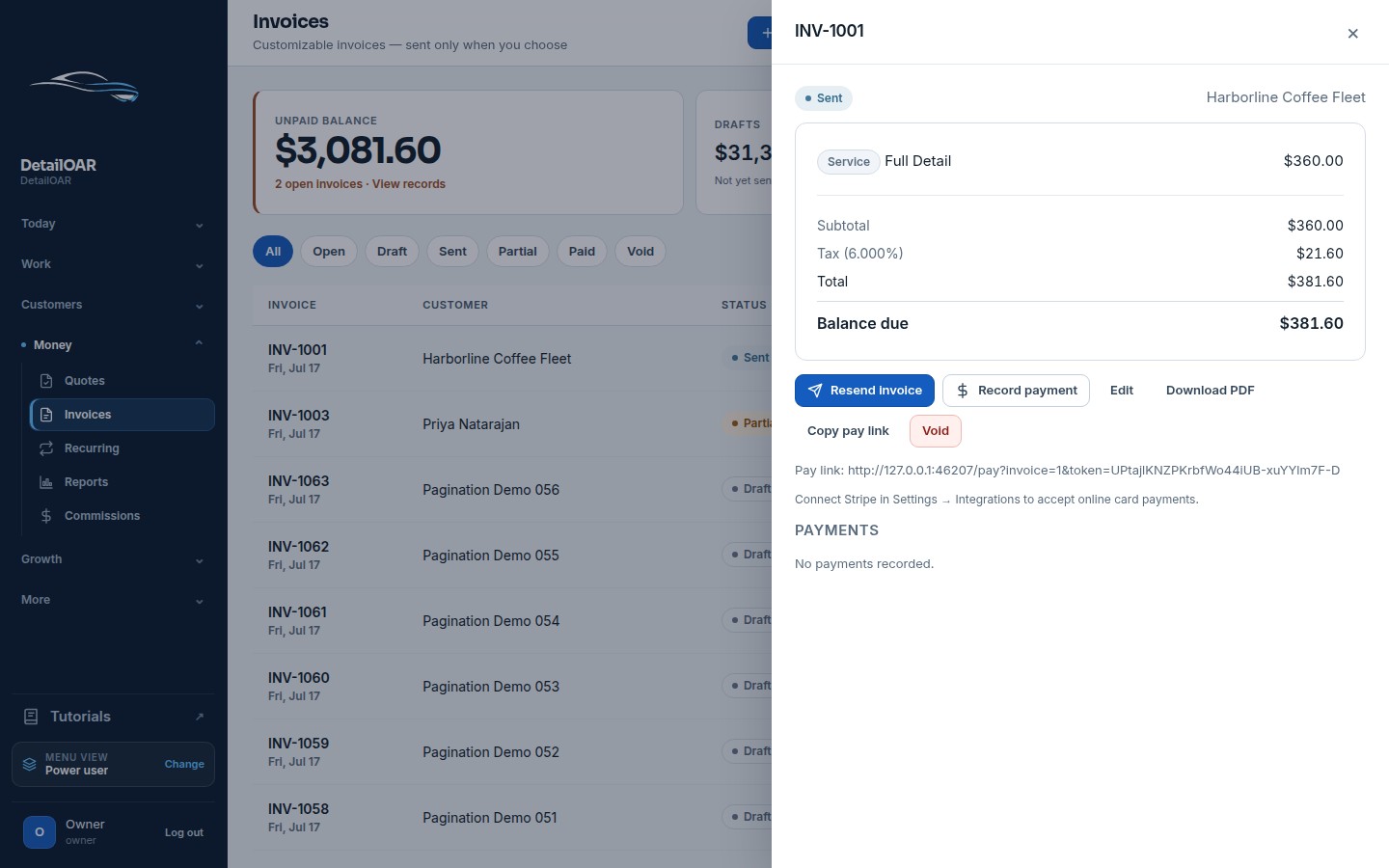
Create branded estimates, collect acknowledgments and deposits, convert approved work, record partial payments, and issue receipts.
Connected workspace
Estimates, deposits, and invoices
- Vehicle-size service pricing and custom lines
- Tax, discount, expiration, and deposit rules
- Secure online approval and clickwrap acknowledgment
- Append-only payment ledger and CSV exports
What the team can do
Keep the workflow explicit.
Every action is attached to the workspace, responsible user, customer, vehicle, job, or financial record that gives it meaning.
- 1
Vehicle-size service pricing and custom lines
- 2
Tax, discount, expiration, and deposit rules
- 3
Secure online approval and clickwrap acknowledgment
- 4
Append-only payment ledger and CSV exports
Configure estimates, deposits, and invoices step by step.
The software guide uses the current interface labels and links directly to the relevant workspace screen.
Open the guide