
Customer communication
Send the right operational message and keep the history.
Use email and SMS adapters for confirmations, reminders, estimate follow-ups, on-my-way messages, completion, reviews, and maintenance.
Connected workspace
Customer communication
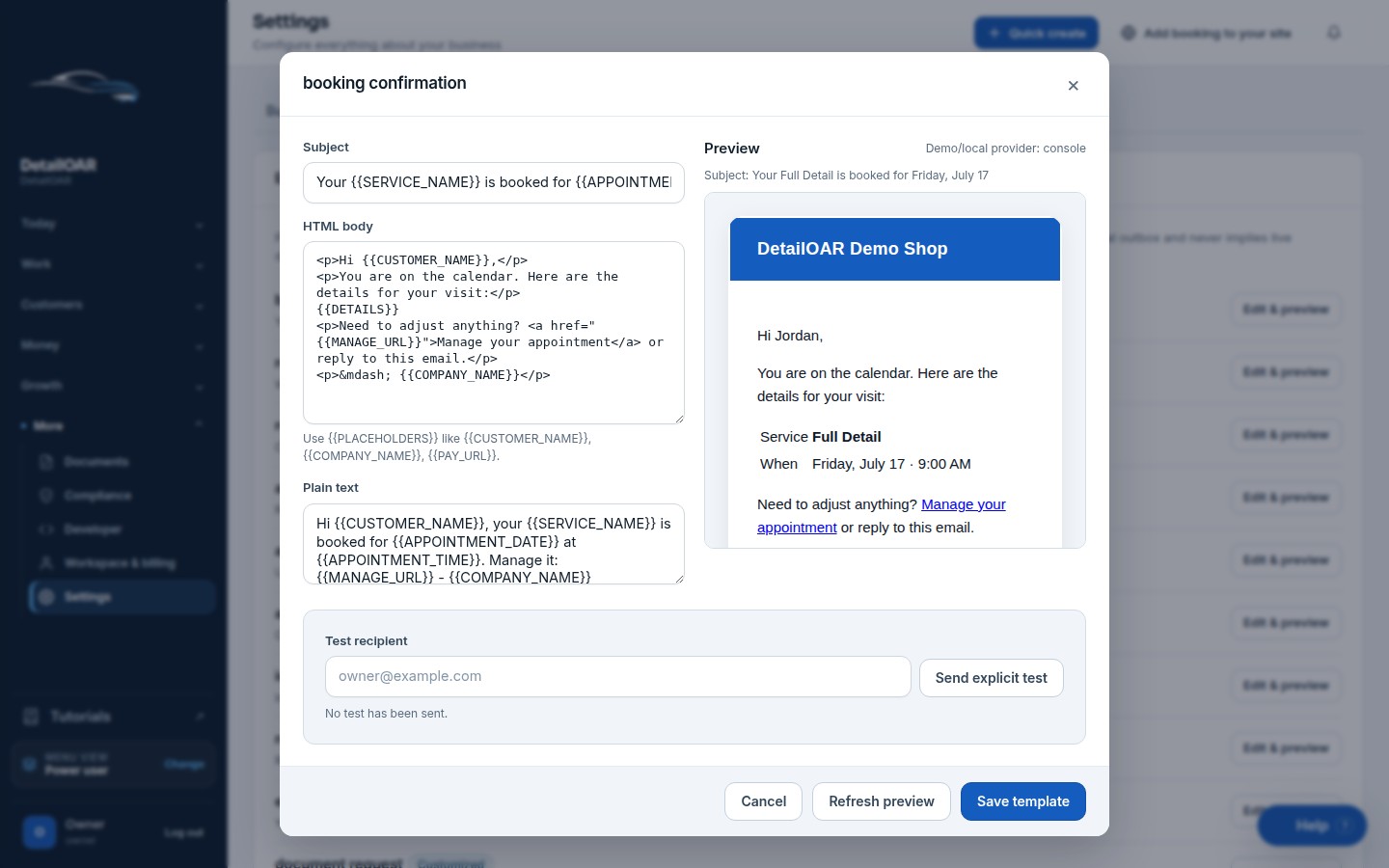
- Editable templates and safe previews
- Email and SMS message logs
- Consent snapshots and STOP handling
- Console/demo provider until explicitly configured
What the team can do
Keep the workflow explicit.
Every action is attached to the workspace, responsible user, customer, vehicle, job, or financial record that gives it meaning.
- 1
Editable templates and safe previews
- 2
Email and SMS message logs
- 3
Consent snapshots and STOP handling
- 4
Console/demo provider until explicitly configured
Configure customer communication step by step.
The software guide uses the current interface labels and links directly to the relevant workspace screen.
Open the guide